
- Login to Cyan Web Portal as a Tenant Admin
- Click Manage Devices
- Search for the device name that you want to block and click the button
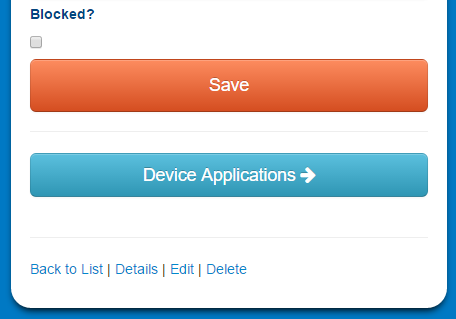
- Click the Blocked box, then click Save
Blocked devices still count against licensing. See Manage Device Application Licenses to remove the application license from the device.
Comments
0 comments
Please sign in to leave a comment.