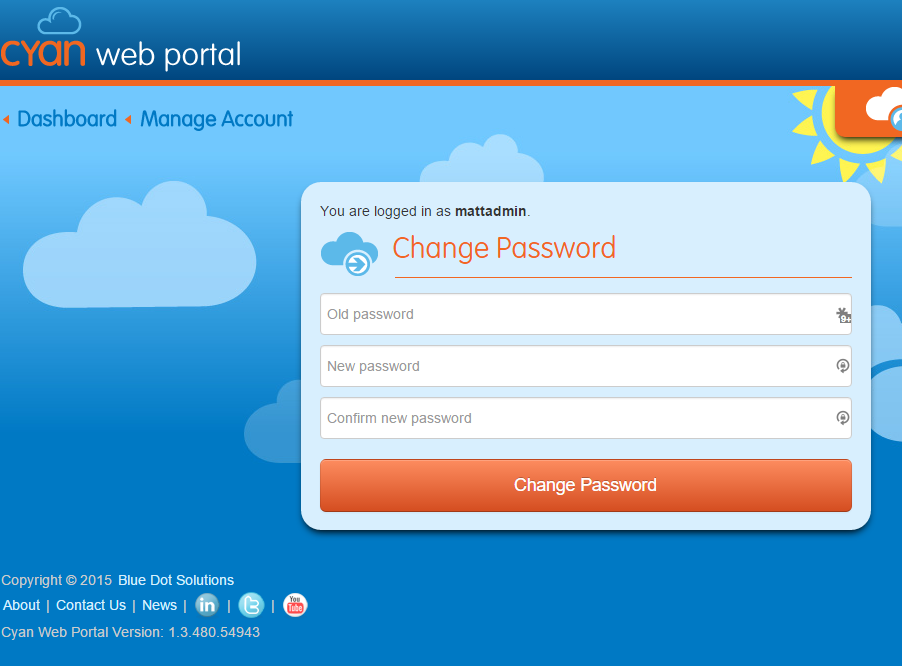
Changing your Account Password Matt Sneller March 24, 2017 12:57 Follow To change your Cyan Account password, Login to the Cyan Portal Select Manage Your Account under Account Tools Enter old password and new password Click Change Password Related articles Geofencing in Simplicity How to change FTP connection info for P&D in the Cyan Portal Creating User Accounts for Cyan Web Portal Comments 0 comments Please sign in to leave a comment.

Comments
0 comments
Please sign in to leave a comment.