
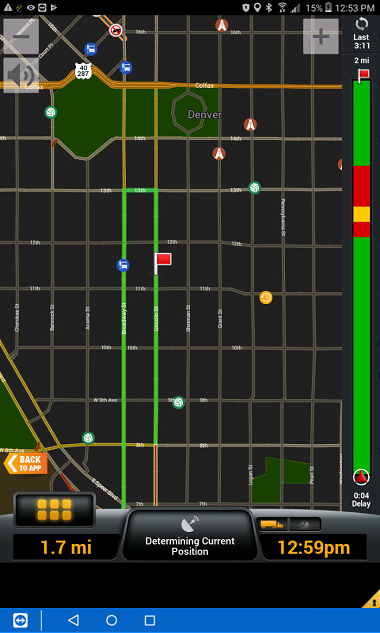
Night mode will change the map background to black so that it's easier to see at night.
- Select the Menu button in the lower left.

- Select Main Menu - Setting Gear (on the bottom).

- Select Map Display - Map styles
- Select Night Only
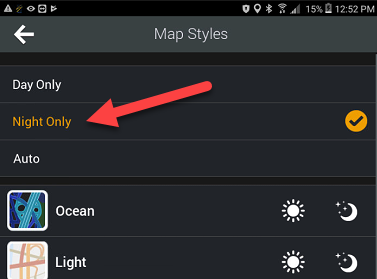
- Press the back button (upper left) until you're back at the map view
Comments
0 comments
Please sign in to leave a comment.