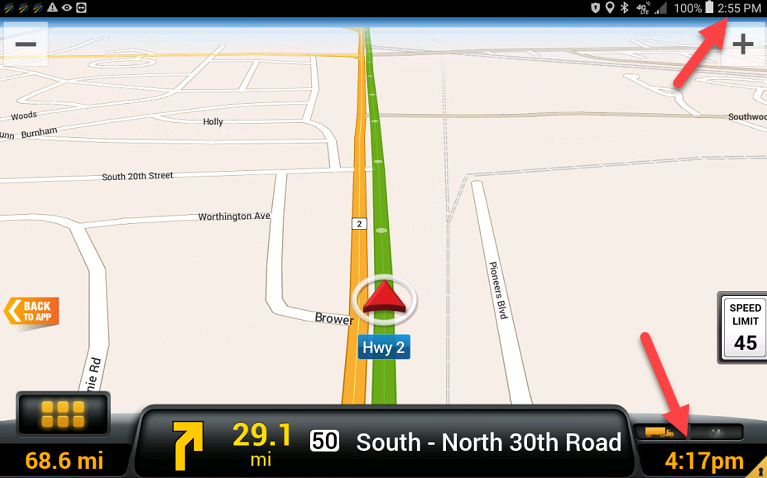
How to change the ETA shown in the lower left corner of Nav and the tablet clock to 24-hour format.
- Go to Personal Home
- Settings - Date and Time (scroll down)
- Tap Use 24-hour format
- Exit setting and go back to Knox.

How to change the ETA shown in the lower left corner of Nav and the tablet clock to 24-hour format.
Comments
0 comments
Please sign in to leave a comment.