
Assuming you have already installed TeamViewer. If you have not, please email swift@bluedotsolutions.com and request TeamViewer access.
- Start TeamViewer on your computer (Start - Programs - TeamViewer)
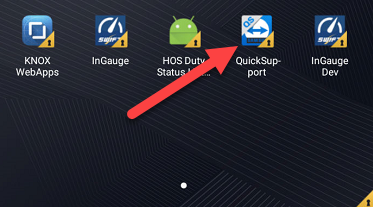
- Instruct the driver to open TeamViewer on the tablet, by going to Apps - QuickSupport
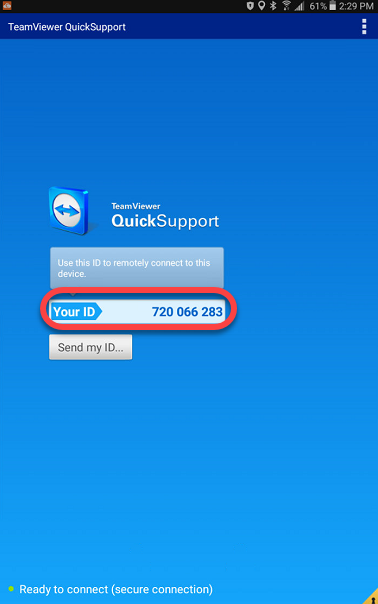
- On the device, there will be a 9-digit number in the Your ID box. Enter the ID in the Partner ID box on TeamViewer Desktop.
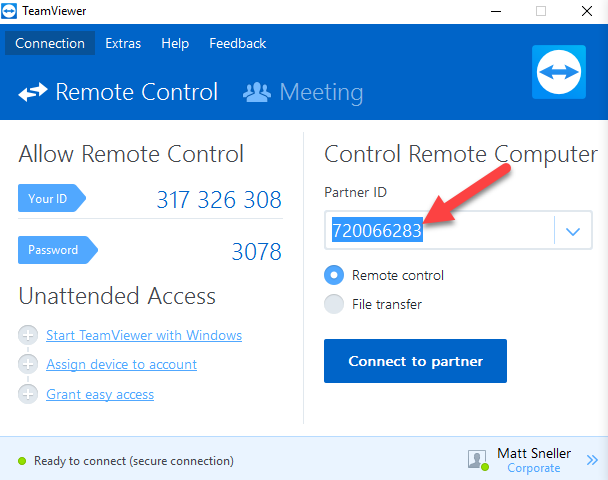
- Then click Connect to partner
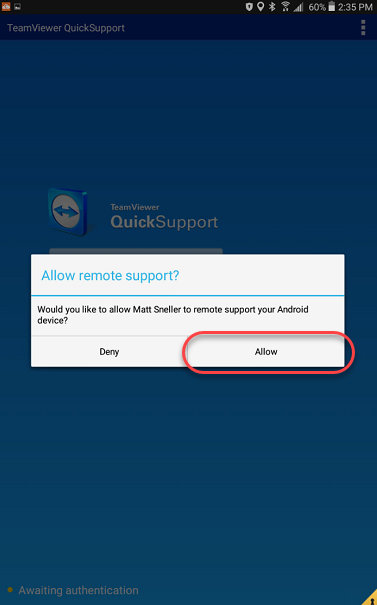
- The Driver will be prompted to Allow the connection
Comments
0 comments
Please sign in to leave a comment.